
Reviewed: 23 October 2026. Safe Box: Bank Account Manager is an Android app published by Akanksha. Its Google Play page describes tools for organising bank-account details, documents and family records. This guide explains the Play Store release-note claim, what it does not independently verify, and Android’s 16 KB page-size requirements.
What does the latest Google Play listing show?
At the time of review, Google Play identifies the app as Safe Box: Bank Account Manager, marks it as containing ads, and shows an update date of 20 October 2026. Its latest visible “What’s new” note says compatibility with Android devices using 16 KB memory pages has been fixed.
This is a statement in the developer-provided Google Play release note. The public listing does not include bundle analysis or test results, so readers should treat it as the publisher’s compatibility update rather than independent verification of every device and build configuration.
What is 16 KB page-size compatibility?
Android 15 added support for devices configured with 16 KB memory pages. Google’s Android documentation says apps targeting Android 15 (API level 35) or later on 64-bit devices on Google Play must support 16 KB page sizes. From 1 February 2027, updates that do not meet this requirement cannot be released on Google Play.
Whether an app needs a rebuild depends on its code and libraries. Android’s guidance says apps that use native code—including native libraries bundled by an SDK—need to be checked and may need rebuilding. Apps written only in Java or Kotlin, including their libraries, already support 16 KB devices, though Google still recommends testing. The app’s public listing alone does not reveal which libraries its build contains.
For Safe Box users: check the current Play listing and install updates from Google Play. For the developer or tester, inspect the release bundle’s native libraries and alignment, then test the actual build in a 16 KB environment using Google’s documented process.
Features advertised by the developer
The current description presents Safe Box as a record organiser with the following tools:
- Bank-account records: account number, IFSC, branch and account type, with search.
- Document and family organisation: passbooks and other documents can be grouped by family member.
- Access controls: the listing advertises PIN or pattern lock, biometric unlock and automatic locking.
- Finance utilities: EMI, fixed-deposit and recurring-deposit calculators.
- Backup and export: encrypted backup/restore, optional Google Drive backup, and PDF or CSV export are described.
- Sharing and reminders: the listing mentions QR sharing, CSV import and local reminders.
These are claims in the app publisher’s description, not an independent security audit or a guarantee that every device, account or Android version behaves identically. Review the in-app permissions and the latest Play listing before storing sensitive records.
Ads and Data safety: what the listing discloses
Google Play currently labels the app “Contains ads.” Its Data safety section says the app may collect and share “Device or other IDs,” that data is encrypted in transit, and that data cannot be deleted. Google explains that these disclosures are provided by the developer and that data practices can vary. Read the complete listing and privacy policy before deciding whether the app suits your needs.
Encryption in transit describes data while it is being sent; by itself, it does not explain every detail of local storage, backup access or account recovery. Likewise, an “offline-first” description does not mean every feature works without a connection. Avoid storing information you do not need, protect your device, and keep any exported or backed-up copy somewhere you control.
Where to check the app and technical guidance
- Open Safe Box on Google Play for the current version, developer description, ads label, Data safety details and privacy policy.
- Read Android’s official 16 KB page-size guidance for compatibility checks and testing steps.
- See the Safe Box app overview on SarkariAsk for our app-page summary.
Frequently asked questions
Does the latest Play listing mention a 16 KB fix?
Yes. Google Play’s latest visible “What’s new” note, on the listing updated 20 October 2026, says compatibility with Android devices using 16 KB memory pages has been fixed. This is the developer’s release-note statement; it is not a substitute for independent testing of a particular build.
Does Safe Box contain ads?
Yes. Google Play currently marks the app as containing ads.
Is the app’s encryption independently audited?
The listing advertises AES-256 encryption and other security features, but the store page does not provide an independent audit report. Treat those as publisher-provided claims.
What should a developer check before the 2027 deadline?
Follow Android’s official instructions to identify native libraries, confirm their alignment, and test the actual release build in a 16 KB environment. Google’s requirement applies to Play apps targeting Android 15 (API 35) or later on 64-bit devices; from 1 February 2027, updates that do not support 16 KB page sizes cannot be released.
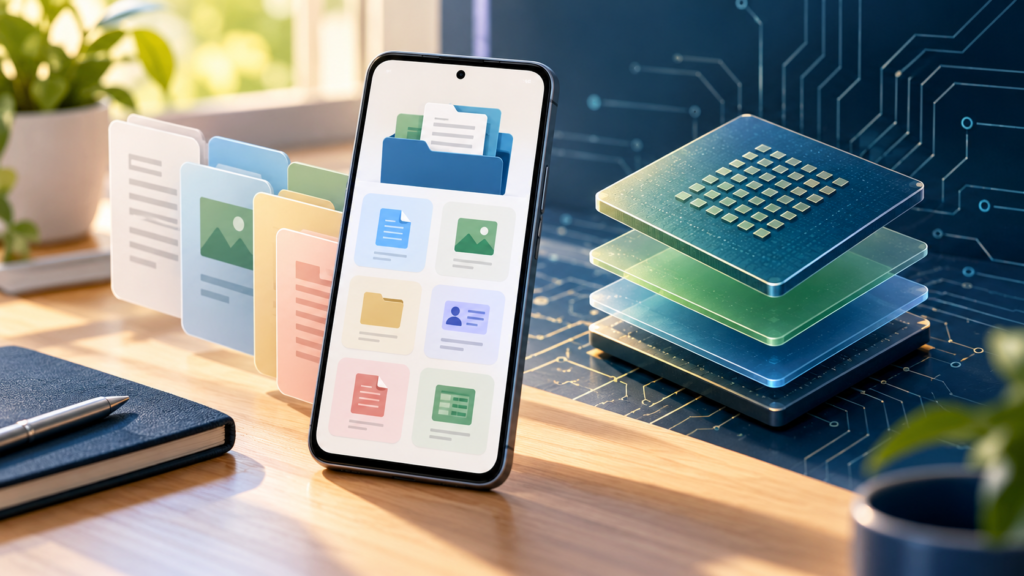
Image credit: Original symbolic editorial illustration generated for SarkariAsk with OpenAI ImageGen. It is not a Safe Box screenshot, security certification, or representation of a verified app interface.
3 responses to “Safe Box App Update: Features, Ads & 16 KB Status”
[…] This describes the developer’s release note; it is not an independent security audit. See our separate 16 KB compatibility update guide for what the public listing […]
[…] Its latest release note mentions a 16 KB compatibility fix but publishes no test results. See our Safe Box 16 KB update guide and Android’s official 16 KB […]
[…] View Safe Box on Google Play · Open the Google Play Data safety disclosure · Read the Safe Box 16 KB compatibility update note […]