
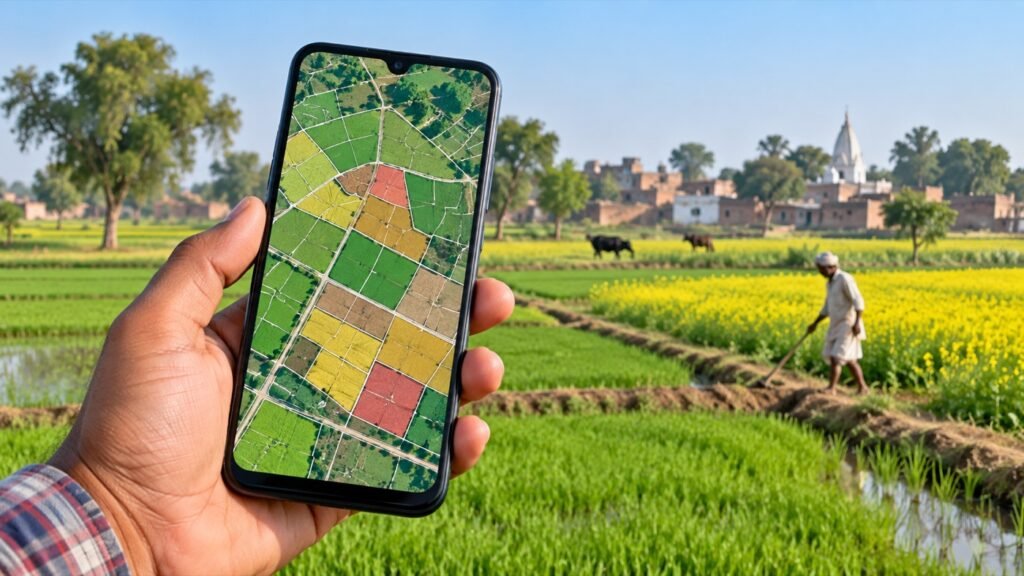
The official UP Bhu Naksha public plot-report page lets visitors choose a district, tehsil, village and plot number to view the map data available for that location. A map is useful for locating a recorded parcel, but it is not a certified ownership document or a substitute for an on-site boundary survey.
What the UP Bhu Naksha portal is for
Uttar Pradesh provides separate digital services for textual land records and cadastral maps. The UP Bhulekh portal lists Khatauni (Record of Rights) viewing and a separate certified-copy service. The public BhuNaksha plot-report page is designed around location and plot-number selection. Use both services to cross-check the same parcel when the data is available.
View a plot on the official UP Bhu Naksha map
- Open the official BhuNaksha plot-report page.
- Select the district and tehsil shown for your land.
- Select the revenue village, then enter the plot number requested by the page.
- Review the map for the matching plot. Confirm the location and identifier against your latest Khatauni rather than relying on a similar number alone.
- Use a print or download control only if the official page displays one for the selected record. A browser screenshot or ordinary printout is not automatically a certified copy.
If you do not know the plot number, first look up the relevant Khatauni through the official UP Bhulekh portal. Its current options and village coverage can change. For a separate record guide, see how to read UP Khasra and Khatauni records.
What a land map can and cannot tell you
- Use the map to identify a plot location and compare the boundaries shown in the available cadastral data.
- Compare the plot identifier and area with the current Khatauni (ROR) and relevant registered documents.
- Do not treat a map view as proof of ownership, actual possession, an exact ground measurement or permission to use land.
- Do not assume the map shows every encumbrance, court order, co-owner or current physical feature.
The official BhuNaksha portal itself warns that a small technical error can remain in geo-referenced maps. It also says that if a plot’s mapped area differs from the related Khatauni (ROR) area, the Khatauni area is authoritative. Follow the portal’s correction notice and confirm the applicable route with the revenue office.
If a village or plot is missing
Check the district, tehsil and village selection, then verify the plot number on the official land-record service. A blank result does not by itself establish that a parcel does not exist or has no record. Ask the relevant tehsil or revenue office how to inspect the current village map or record for your location.
If the map boundary or area looks wrong
- Save the location and plot identifiers, the Khatauni details, and the page or report showing the difference.
- For a Khatauni share, name, guardian or address error, check the separate official Ansh correction service.
- For a boundary-demarcation question, consult the Board of Revenue, Uttar Pradesh and the applicable procedure under the Uttar Pradesh Revenue Code Rules. The appropriate process depends on the facts; an online map cannot settle a dispute.
- For a plot-area mismatch, use the official BhuNaksha notice as a starting point and confirm the competent authority and current filing instructions locally.
Using a phone
The official plot-report page can be opened in a mobile browser. UP Land Info Pro: Bhulekh is an independent mobile utility that offers convenient access to land-record links and related tools; it is not a Government of Uttar Pradesh portal and cannot change, certify or approve a record. Confirm important details on the official sites.
Frequently asked questions
Can I search the Bhu Naksha map by owner name?
The public plot-report page asks for location details and a plot number. If you only know a person’s name, first use the search choices currently available on the official Bhulekh service to identify the relevant holding and plot number.
Can I download a certified map online?
The public page provides map data for viewing; whether a print or report option is available depends on the selected record and current portal. Do not describe a browser printout as certified. Ask the responsible office about a certified document for a formal proceeding.
Does the map prove the boundary on the ground?
No. The BhuNaksha portal notes technical limitations, and an on-screen map is not a physical demarcation. Use the official process for a field measurement or dispute.
Official sources and review note
- UP BhuNaksha public plot report
- UP BhuNaksha official map-area notice
- UP Bhulekh — Board of Revenue, Uttar Pradesh
- UP Bhulekh Ansh correction service
- Board of Revenue, Uttar Pradesh
Official pages checked on 23 October 2026. This independent guide is general information only; the current official instructions and case-specific advice take priority.
Featured image credit: Original AI-generated illustration created for SarkariAsk with OpenAI ImageGen; no external image source used.
One response to “Bhu Naksha UP: View and Download UP Land Map Online”
[…] layout sketches corresponding to your newly downloaded record, you can also explore how to check Bhu Naksha UP […]