
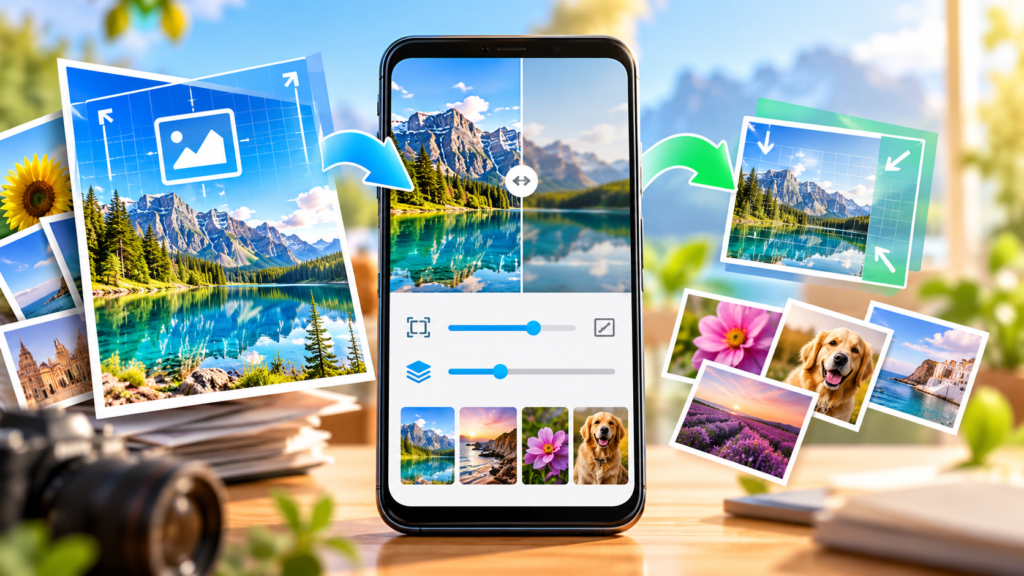
Image Shrinker: Photo Resizer is an Android utility designed to make your photos easier to store and share while offering on-device photo editing. Developed by Akanksha, the app handles image compression, resizing, cropping, and format conversion directly on your mobile device. In this Image Shrinker review, we take an honest look at what the app delivers, how its tools function in everyday situations, and where its limits lie.
Core Features Walked Through in Our Image Shrinker Review
The app centers on practical adjustments that people routinely need to make before uploading or sending photographs. Rather than presenting cluttered menus, it focuses on several core photo-processing tasks.
Targeted and Preset Compression
Image compression can be handled in two ways. You can choose quick quality presets when you need a fast result, or switch to custom settings for fine control. If you need to stay under strict file upload limits, the app lets you set an exact target file size in KB or MB when exporting in JPG or WebP formats. The target setting can reduce repeated manual adjustments, but inspect the exported file: exact size and visual quality may vary by image.
Flexible Resizing Options
When you need to adjust photo dimensions, Image Shrinker: Photo Resizer provides two paths. You can scale an image down by percentage or specify exact custom width and height dimensions. This flexibility is useful whether you need a quick reduction to save bandwidth or precise pixel dimensions for official documentation.
Cropping, Rotating, and Format Conversion
Beyond compression and resizing, the app includes basic framing tools. You can crop images to remove unwanted edges and rotate them to correct orientation. It also converts files between supported formats, including JPG and PNG, and allows exporting to WebP.
Batch Processing and Interactive Comparison
Handling multiple images individually can be tedious. The app includes a batch processing feature that allows you to select several photos and apply your chosen output settings all at once. Once an image is processed, an interactive before-and-after comparison view lets you inspect the visual quality side by side before saving the result. You can also review your recent operations to keep track of what you have modified.
On-device Editing and Data Safety
A notable aspect of Image Shrinker: Photo Resizer is its approach to user privacy. The developer says the photo-processing functions work locally and offline. That does not mean the whole app is free of data collection or sharing: its current Google Play Data safety panel says the app may collect and share some data types, including location and app activity. Check the current Data safety disclosure and permissions before using it with sensitive images. We have not independently audited its network behavior.
Practical Utility for Everyday Tasks
In practice, the combination of targeted file sizes and dimension controls makes the tool particularly useful for administrative tasks. Many job portals, government portals, and school forms enforce strict constraints on both pixel dimensions and file size. Using targeted compression to hit those numbers directly simplifies the entire process. If you frequently handle application portals, you can see our detailed guide on how to resize photo to specific KB for online forms for practical tips.
Batch processing also serves routine storage management. If your mobile storage is running low due to large camera files, selecting a group of images to compress or convert to more efficient formats like WebP can help free up storage space without requiring desktop software.
Honest Limitations Based on App Data
While the app offers a practical set of utilities, there are distinct boundaries to keep in mind:
- Platform Availability: This review covers the Android app. Check the publisher’s current listings if you need another platform.
- Advertising: Google Play currently labels the app “Contains ads”. Users who prefer completely ad-free workflows should keep this in mind.
- Supported Formats: Google Play lists JPG/PNG conversion and target-size export for JPG or WebP. Exact import and export combinations can vary by tool, so check the app screen before relying on a format. Do not assume RAW, animated or vector formats are supported.
- Focused Scope: The application is built specifically for resizing, compressing, cropping, rotating, and converting. It is not an artistic photo editor and does not provide filters, brushes, or color-grading tools.
Who Should Install It and Final Verdict
Image Shrinker: Photo Resizer is a sensible install for Android users who frequently need to shrink pictures for emails, messaging apps, and online submission portals. It is also well-suited for anyone who prefers the developer-described local editing workflow over a browser upload converter, after checking the app’s current data disclosures. On the other hand, if you require cross-platform synchronization, creative editing filters, or work exclusively on non-Android devices, you will not find those features here.
To explore the app further and see whether it fits your workflow, visit the official Image Shrinker: Photo Resizer page or browse our collection of utility tools on the all apps index.
Frequently Asked Questions
Is Image Shrinker: Photo Resizer free to download?
Yes, Image Shrinker: Photo Resizer is free to download on Android. The app contains ads to support its availability.
Does Image Shrinker: Photo Resizer upload photos to any server?
The developer describes image processing as local and offline, but we have not independently verified network behavior. Google Play also lists data collection and sharing for the app; review its Data safety details and permissions before processing sensitive photos.
Can I compress photos to a specific file size in KB or MB?
Yes, the app allows you to set an exact target file size in KB or MB when exporting photos as JPG or WebP files.
Can I process more than one image at a time?
Yes, the app includes batch processing, allowing you to select and process multiple images simultaneously.
Current app listing and disclosures
Open Image Shrinker on Google Play for the current description, screenshots and “Contains ads” label. Read its Data safety section before entering sensitive images. These are developer-provided disclosures, not an independent privacy audit. Source checked 23 October 2026.